- Source-to-contract
-
Category Strategy
Scale planning across teams -
Sourcing
Get confident decisions faster -
Sourcing Optimization
Unlock maximum efficiency -
Contract Lifecycle Management
Take control end-to-end -
Supplier Information & Risk Management
Manage risk across suppliers
- Procure-to-Order
-
Intake & Orchestration
Turn requests into action -
Procurement
Buy smarter, spend better -
Services Procurement
Gain visibility and control -
Inventory Management
Manage stock with precision -
Spend Analysis
Get insights you can act on
-
Coupa AI Overview
Real AI for real business outcomes -
AI Use Case Library
See how AI drives results -
Coupa Compose
Intelligence on one platform
-
Where Do I Start with AI?
A step-by-step guide -
AI Report
Real Impact: Before & After Coupa AI -
Academy
Practical AI. Real Impact.
-
AI in Finance
Drive ROI: AI for Finance & AP Demos -
AI in Procurement & Sourcing
AI Procurement SME Roundtable -
AI in Supply Chain
Master Supply Chain Design & Planning with agentic AI
- By Team
- Supply Chain
- Finance
- Procurement
- IT
- By Size
- Enterprise
- Mid-Market
- By Industry
- Automotive
- Banking & Investment
- Business Services
- Consumer Products
- Education
- Federal Agencies & Government Contractors
- Food & Beverage
- Healthcare
- Industrial Manufacturing
- Insurance
- Life Sciences
- Non-Profit
- Oil & Gas
- Process Manufacturing
- Public Sector
- Retail
- Technology
- Telecommunications
- Utilities
- Resources
- Product Demos
- On-Demand Webinars
- Blog
- Analyst Reports
- E-Books & White Papers
- Datasheets
- Video Library
- View All Resources
- Events
- Inspire
- DevCon
- Inspire World Tour
- AI Academy
- Executive Summit
- Upcoming Webinars
- View All Events


- About Coupa
- Leadership
- Newsroom
- Our Offices
- Compliance & Security
- Value Services
- ESG & Corporate Responsibility
- Brand Sponsorships

Predicting the future of business spend, faster
Coupa + MIT Data Science Lab move beyond sentiment
- Source-to-contract
-
Category Strategy
Scale planning across teams -
Sourcing
Get confident decisions faster -
Sourcing Optimization
Unlock maximum efficiency -
Contract Lifecycle Management
Take control end-to-end -
Supplier Information &
Risk Management
Manage risk across suppliers
- Procure-to-Order
-
Intake & Orchestration
Turn requests into action -
Procurement
Buy smarter, spend better -
Services Procurement
Gain visibility and control -
Inventory Management
Manage stock with precision -
Spend Analysis
Get insights you can act on
-
Coupa AI Overview
Real AI for real business outcomes -
AI Use Case Library
See how AI drives results -
Coupa Compose
Intelligence on one platform
- Resources
- Product Demos
- On-Demand Webinars
- Blog
- Analyst Reports
- E-Books & White Papers
- Datasheets
- Video Library
- View All Resources


Feature overview
For Coupa we have built integration with Slack, which is another method to get notifications to users. Admins manage the activation of Slack for the organization, then users within the organization can self-manage these additional notifications, similar to the current process for online and email notifications.
What we were thinking
We wanted to add another avenue for users to be notified, allowing them to choose their preferred method to help drive faster completion of actions within Coupa.
How it works
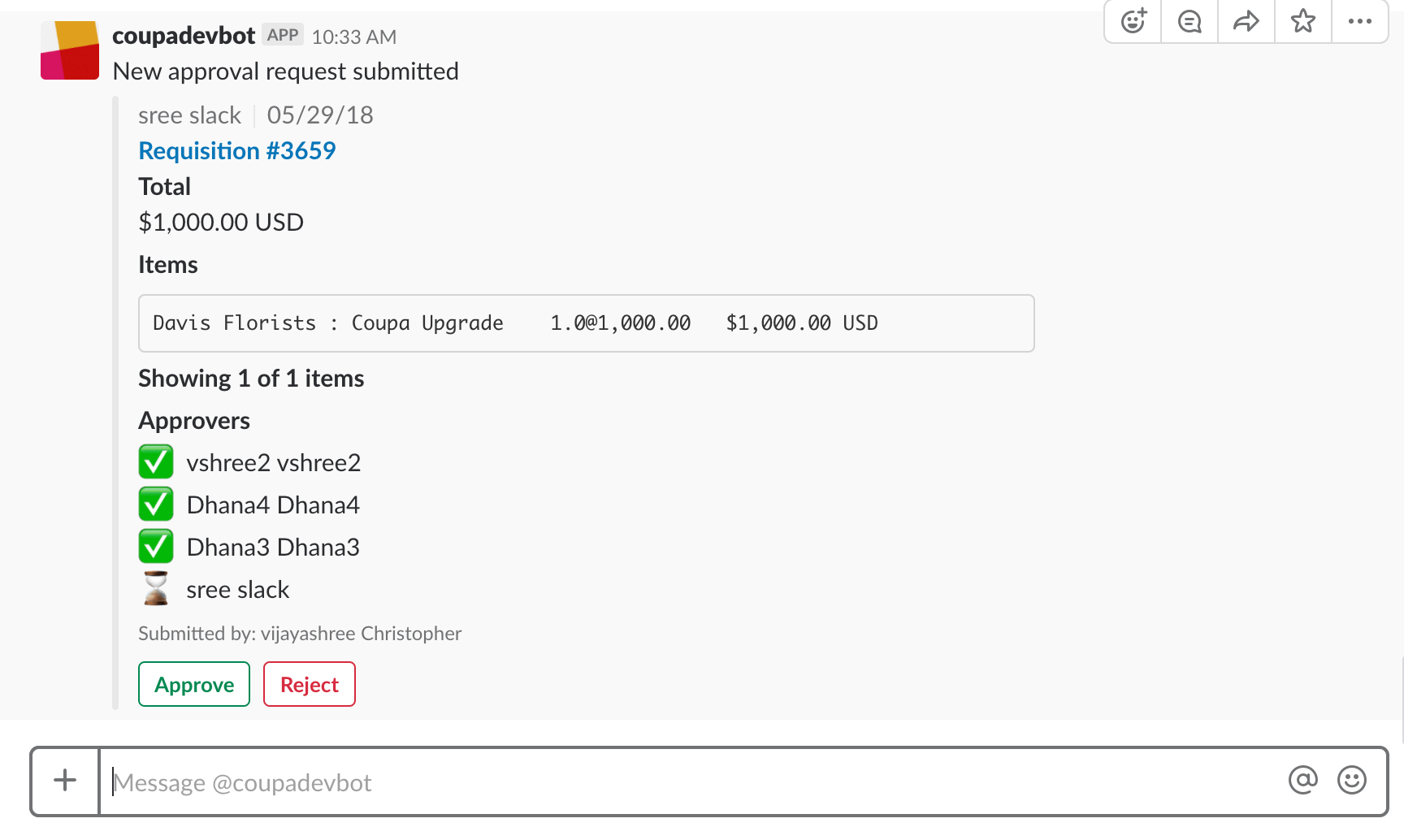
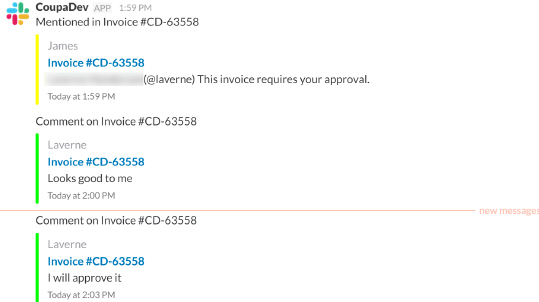
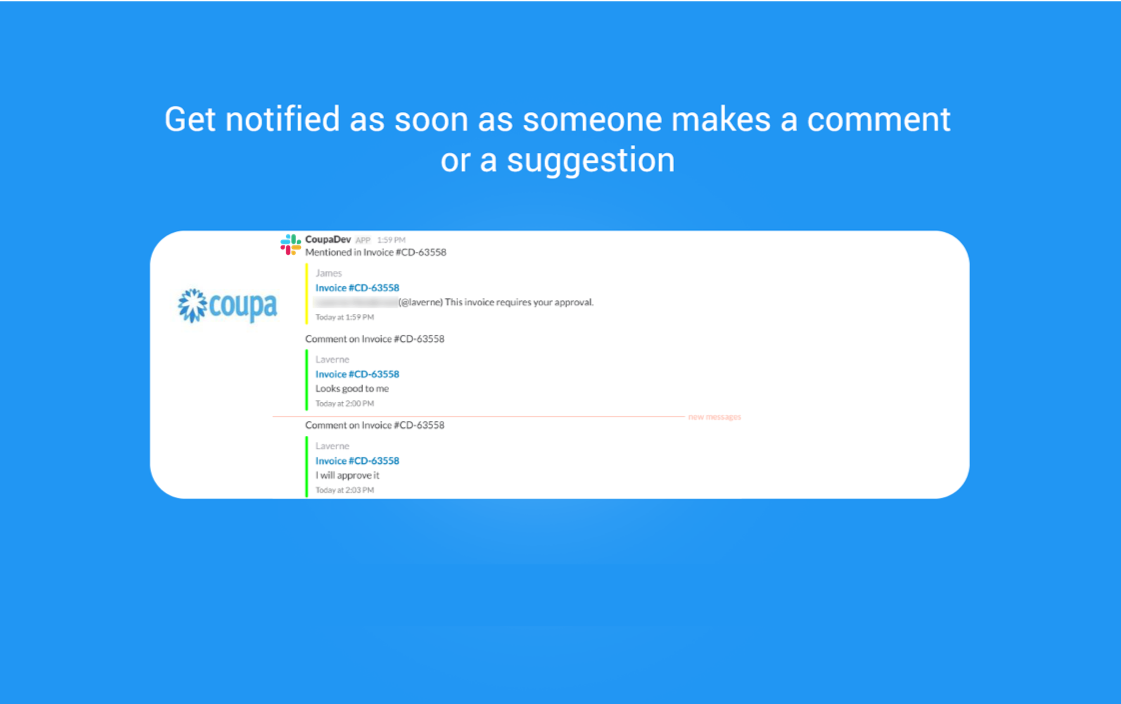
Users can choose to receive Slack notifications for the following activities in Coupa: comments, mentions, approvals, and approval reminders, which will be sent to the user’s CoupaMessenger on Slack. Users can click on the link embedded in the notification, and they will be directed to Coupa where they can take any actions needed.
For companies that use Slack, an Admin will have the opportunity to activate the Coupa/Slack integration for anyone within the organization. Once an organization has activated Slack, each user will have access to authenticate their account and start receiving notifications via Slack right away.
Users that have activated the integration will start receiving Slack notifications from CoupaMessanger, which will use the message settings already set in Slack. Users can choose to receive Slack notifications for the following activities in Coupa: comments, mentions, approvals, and approval reminders, which will be sent to the user’s CoupaMessenger on Slack. Users can click on the link embedded in the notification, and they will be directed to Coupa where they can take any actions needed.
Set up Coupa for Slack
Setting up Coupa to use Slack is a two step process:
1. Admins enable Slack for use with notifications
2. End users add Slack for use with notifications in their profile settings
Enable Slack
Admins must enable Coupa to use Slack for notifications.
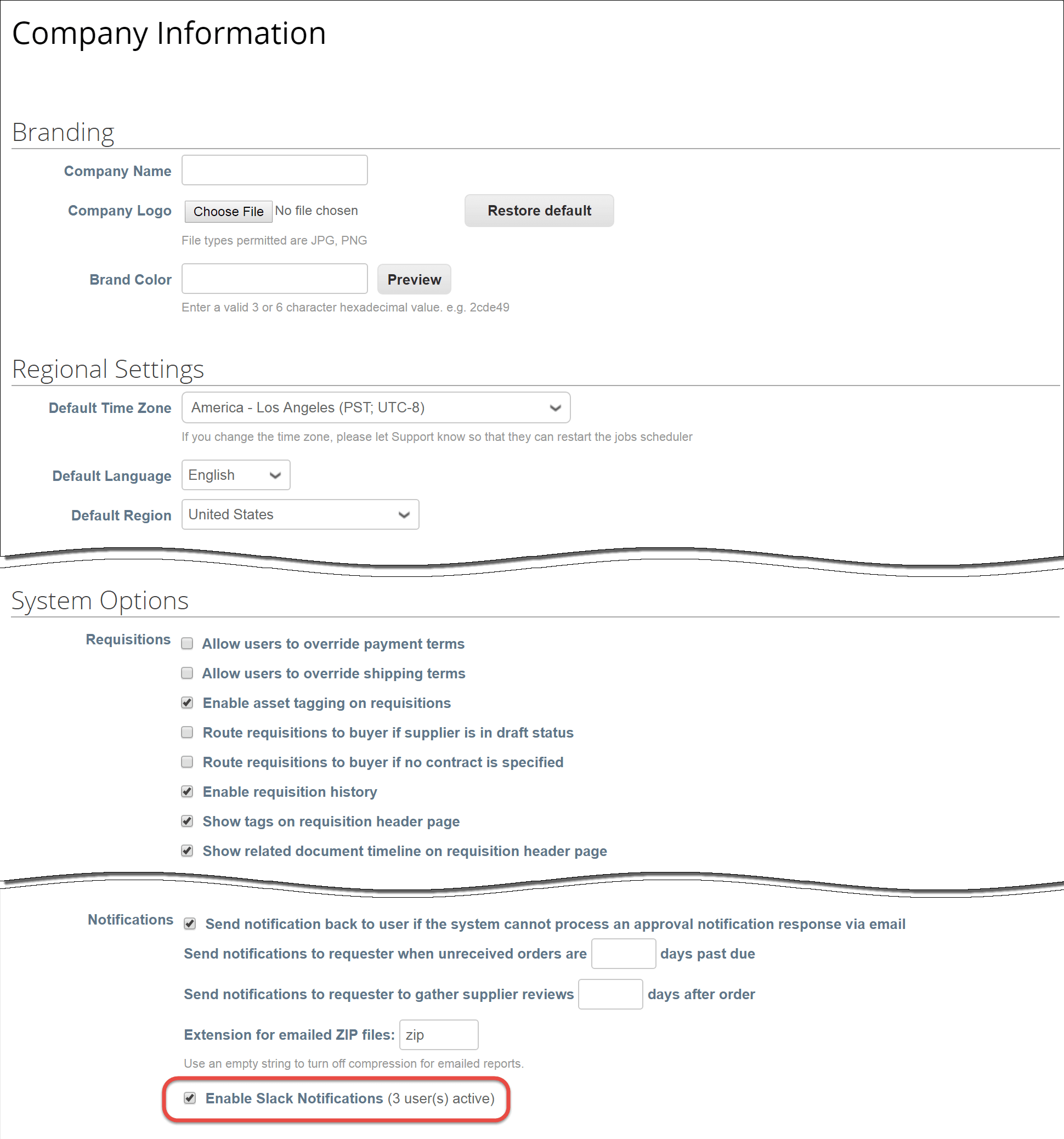
- Go to Setup > Company Information > System Options > Notifications.

- Select Enable Slack Notifications.
- Click Save.
Adding Slack for use with notifications
Any user can add Slack for use with notifications, after an Admin enables Slack.
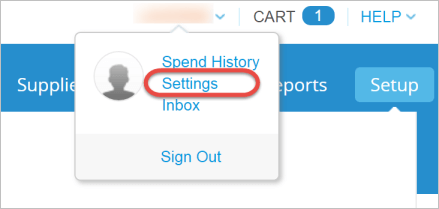
- Sign in to Coupa.
- Go to your Profile Settings.

- Go to Notifications.

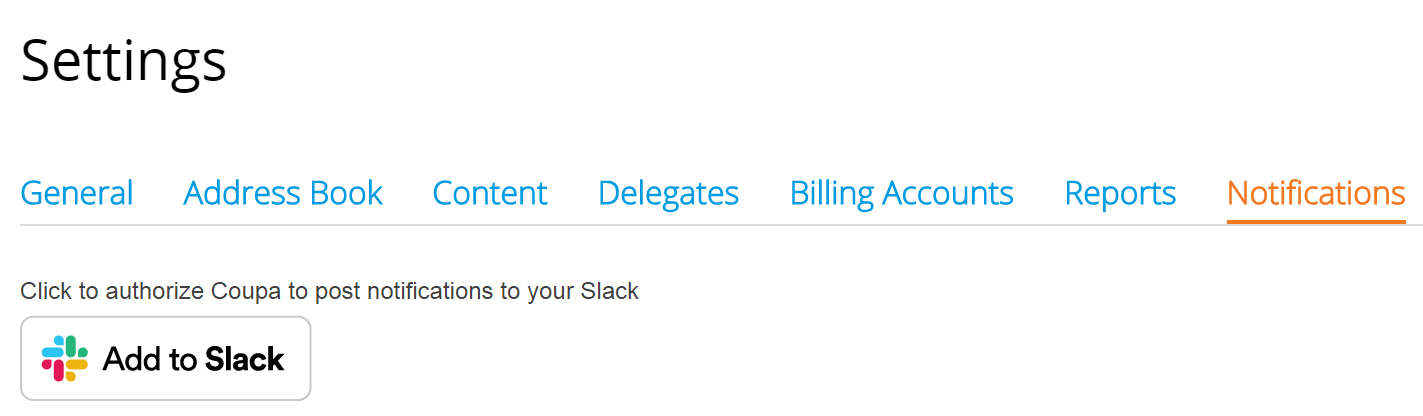
- Click Add to Slack. A screen appears asking you to specify your company's/team's Slack account.

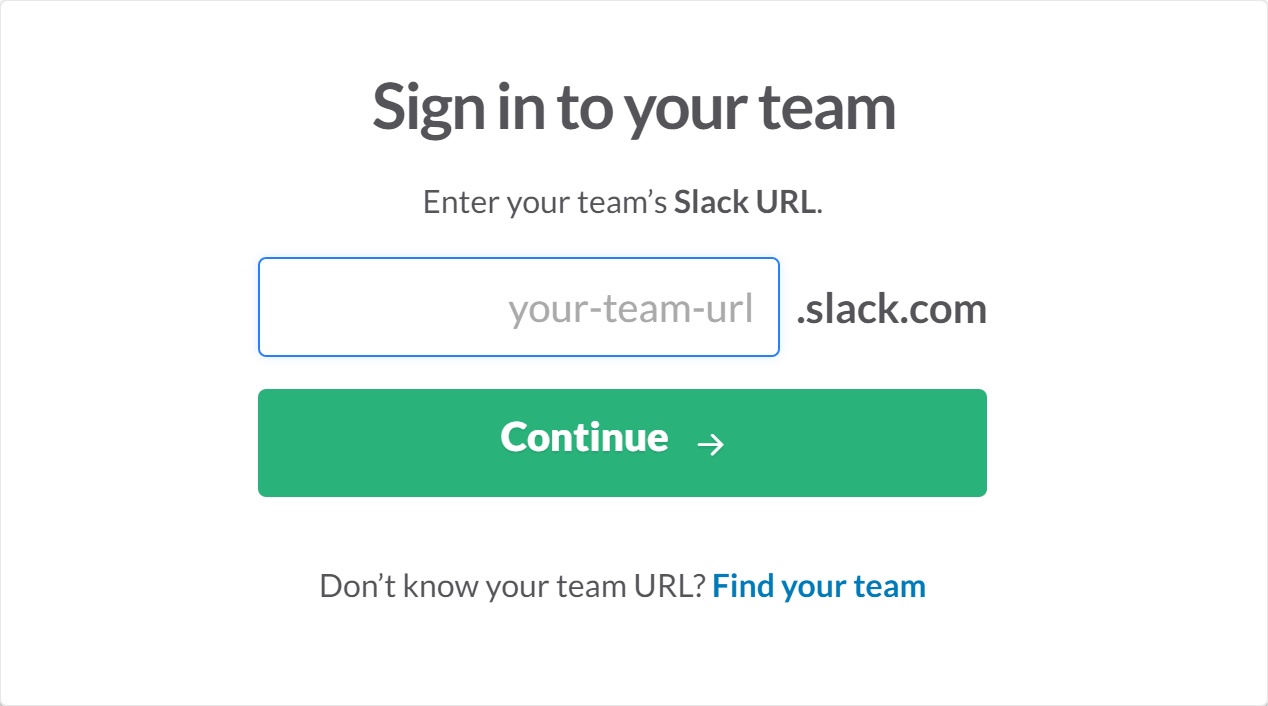
- Provide your company's/team's Slack URL.
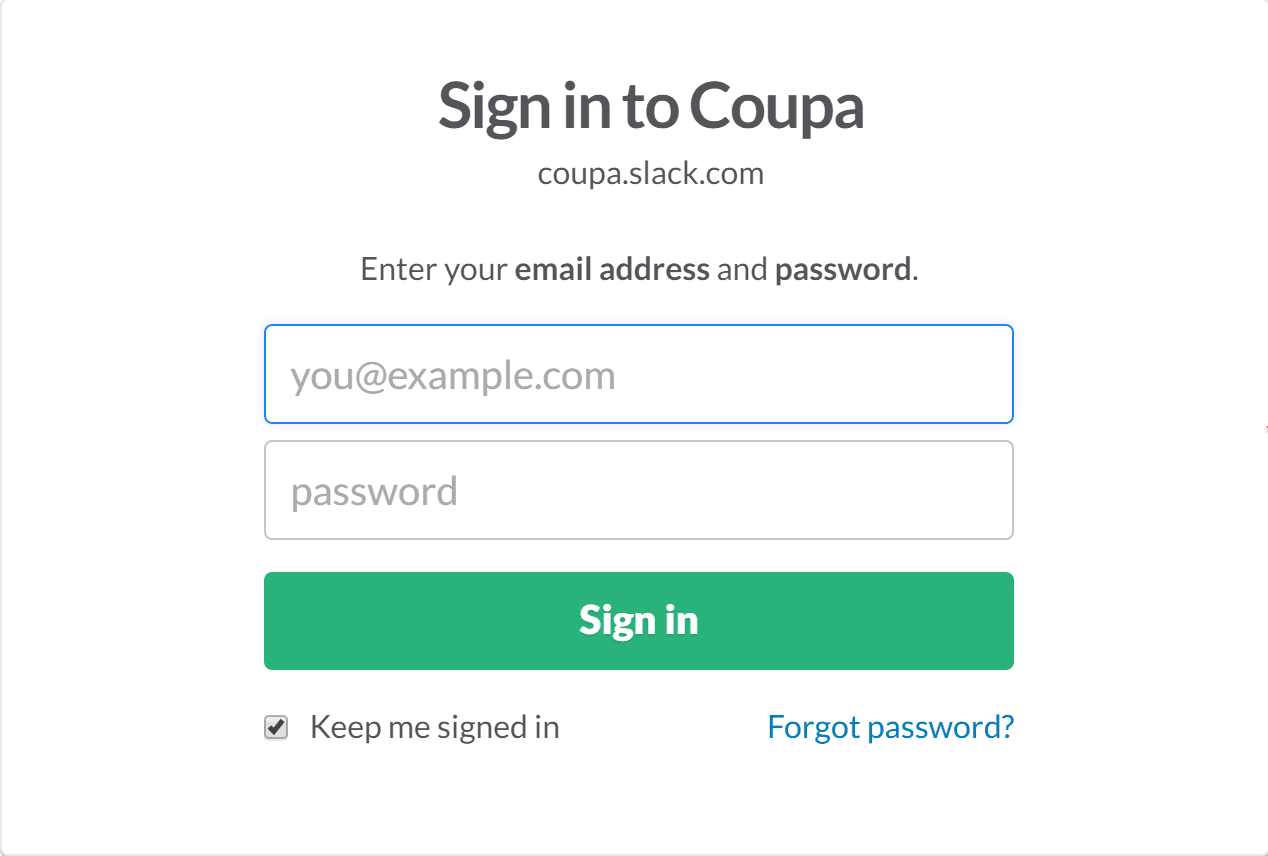
- Click Continue. A screen appears requesting your sign in information.

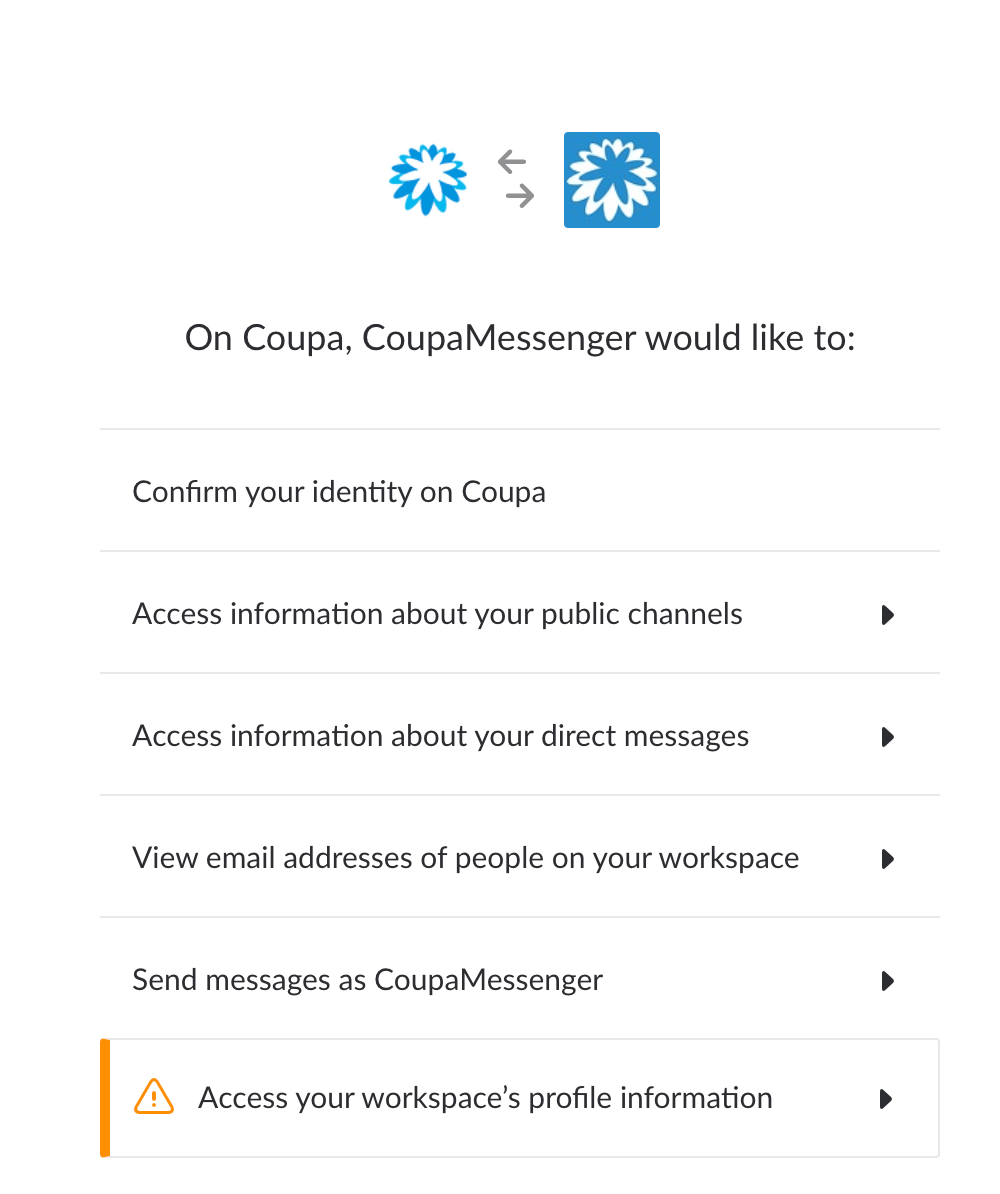
- Click Sign in. A screen appears requesting authorization to send messages as you to Coupa

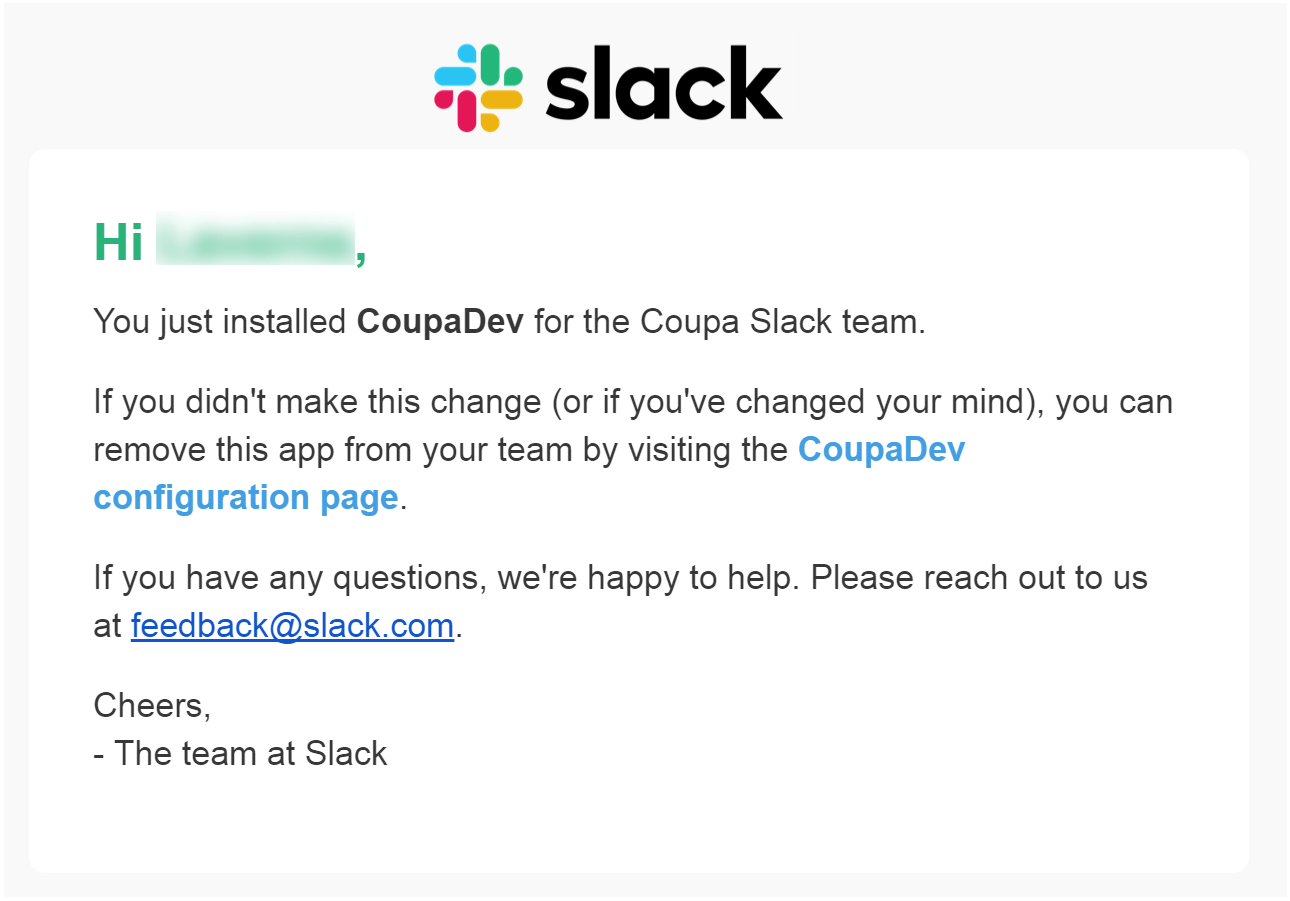
- Click Authorize. A verification message message appears on the Notifications page of your Profile

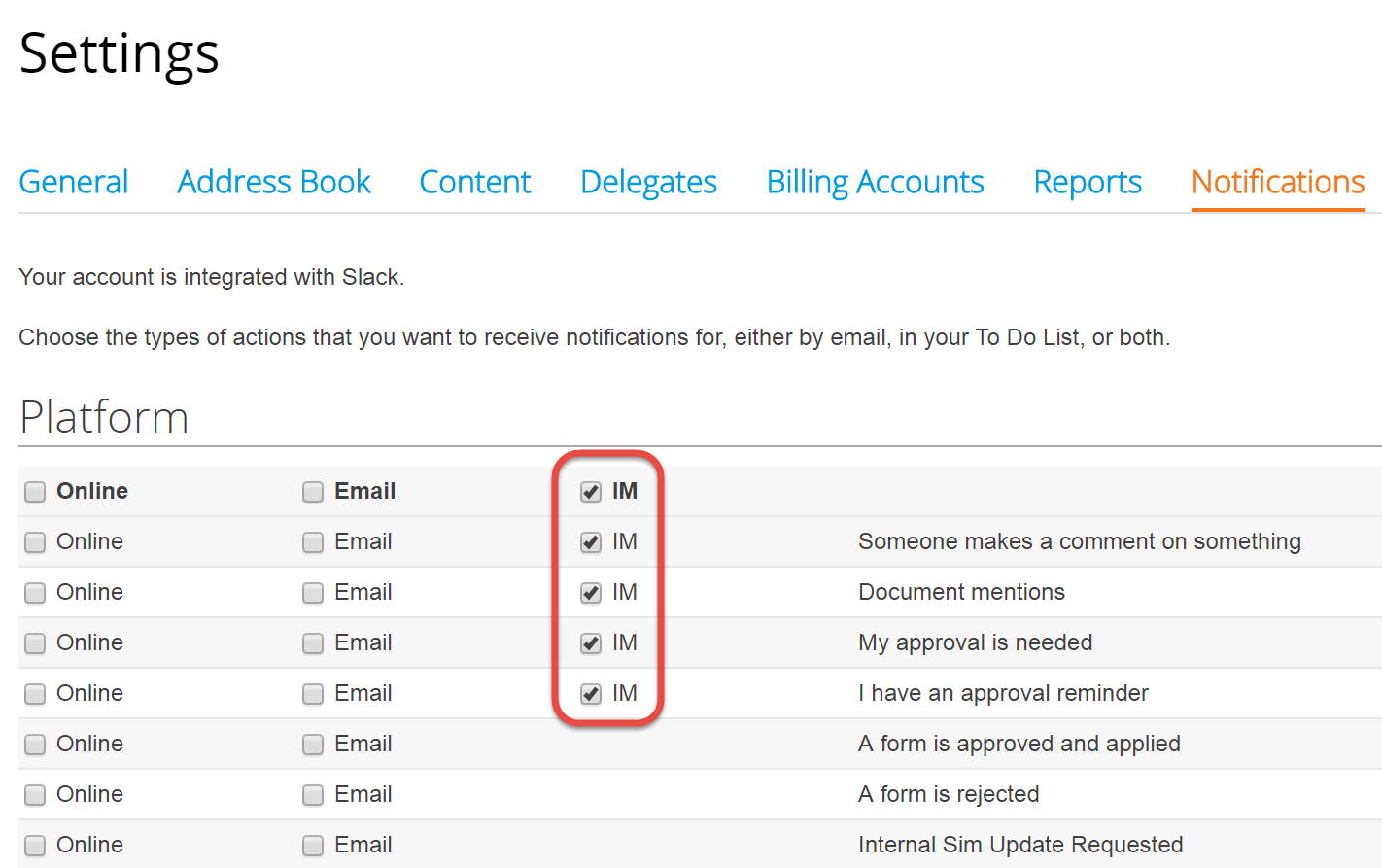
- Specify the notifications you want to get in Slack from Coupa by selecting the IM checkbox associated with the notifications in your Notifications Profile Settings.

- Click Save. You then see notifications in Slack based on actions in Coupa. And you can approve or reject the document directly in Slack if you’d like.

Clicking the link in the Slack notification takes you directly to the document or comment that requires your attention.
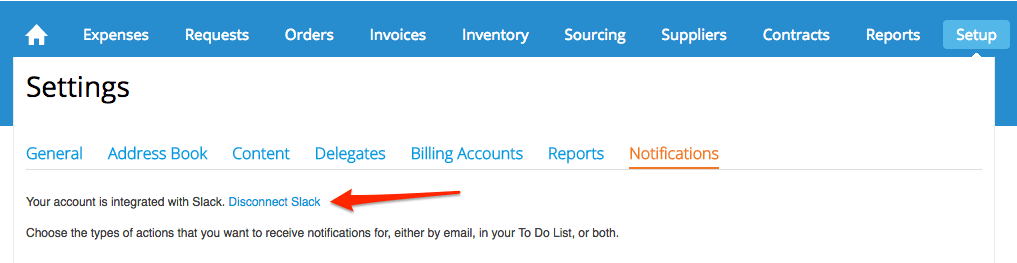
Disconnect Slack
If you need to disconnect slack to stop receiving notifications or switch teams, click the Disable Slack link on the notifications page.